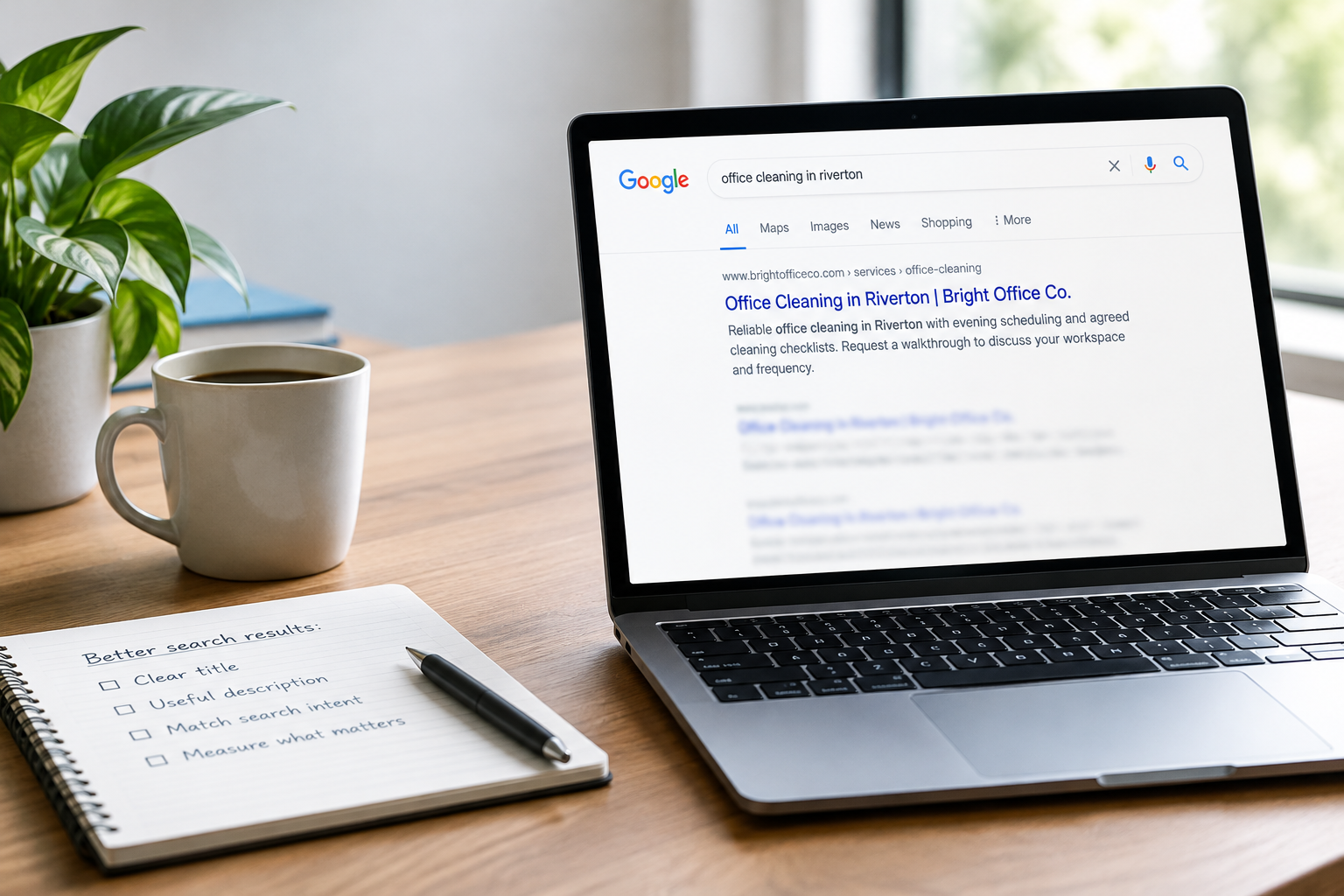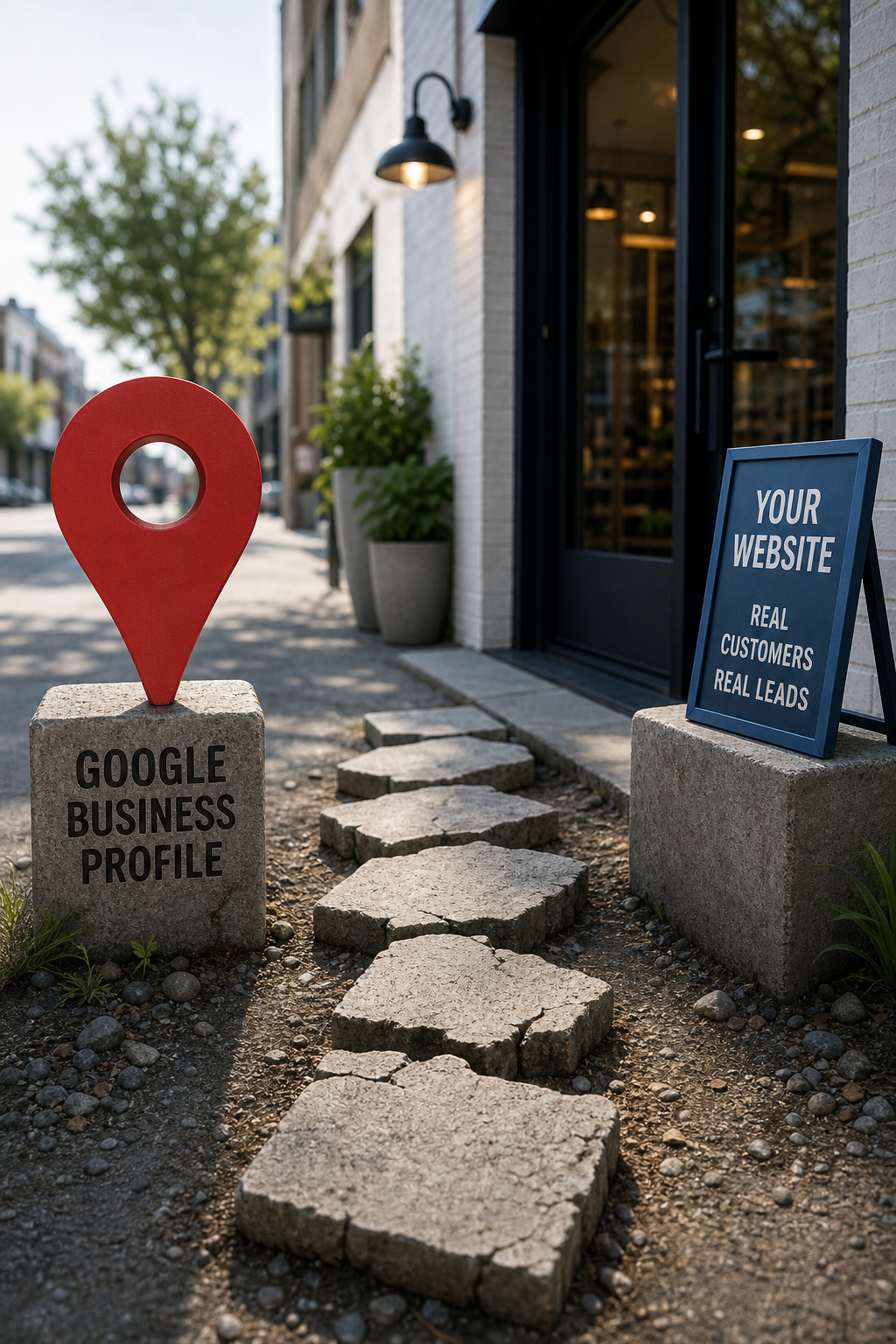
For many local businesses, Google Business Profile is the front door. A customer searches for a plumber, salon, contractor, accountant, or nearby service, sees your listing, and decides in seconds whether to call, visit your site, or keep scrolling.
That makes your profile valuable, but it should not have to carry the whole load. Your Google Business Profile helps people discover and trust your business. Your website should help them understand the right service, confirm you serve their area, and take the next step.
When the two are disconnected, prospective customers hit avoidable dead ends. They find a listing with one phone number, land on a generic homepage, cannot tell whether you handle their need, and bounce back to Google. Here is how to build a cleaner path from local search to an actual inquiry.
Give each channel a distinct job
A Google Business Profile is built for quick decisions. It shows your business name, category, hours, reviews, photos, contact details, and location or service area. It is ideal for people who are close to taking action.
Your website is where a customer can get the context a listing cannot comfortably hold. It should answer questions such as:
- What specific services do you offer?
- Who is the service for?
- Which towns, neighborhoods, or regions do you serve?
- What makes your business a sensible choice?
- What happens after someone calls, requests a quote, or books?
The practical rule: use the profile to earn the click or call, then use the website to remove doubt and make the next step easy.
Start with a consistency check
Open your Google Business Profile and website side by side. Check the details a customer would use to contact or evaluate you. Inconsistencies make a business look disorganized even when the work is excellent.
Match the essentials
- Business name
- Primary phone number
- Address, when you serve customers at a physical location
- Regular and holiday hours
- Primary services
- Service area language
- Website URL
- Appointment, estimate, or booking link
You do not need to copy every sentence word for word. The goal is that customers see the same business, same offer, and same way to get help wherever they encounter you.
Link people to the page that matches their intent
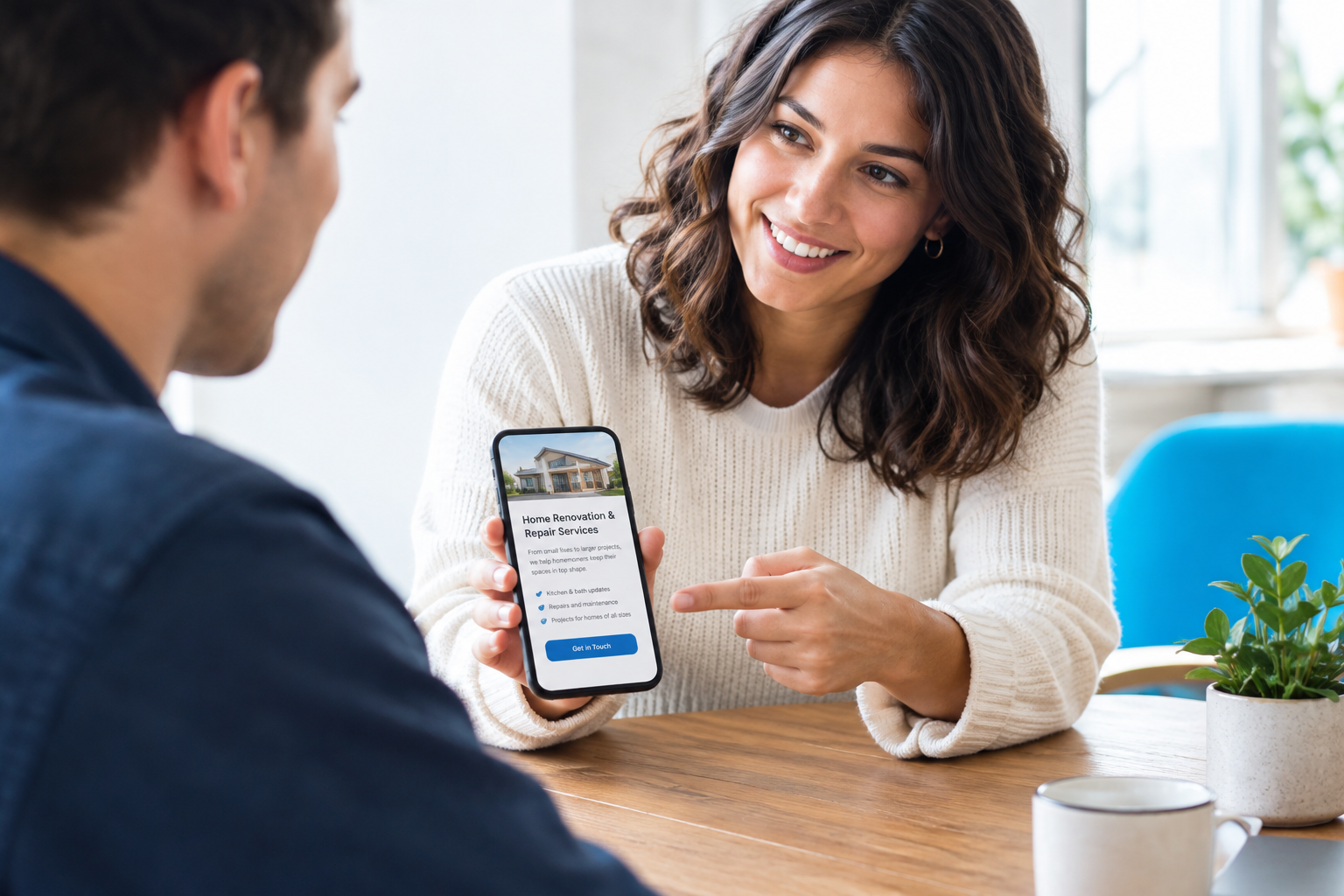
Sending every Google visitor to the homepage is common, but it is not always the best choice. A person looking for emergency HVAC repair does not want to hunt through a broad homepage to find out whether you offer it.
Use the most relevant destination available for the link from your profile, a post, an appointment link, or a campaign:
- Link a core service to its dedicated service page.
- Link a specific promotion to a focused landing page.
- Link appointment-focused businesses to a clear booking page.
- Link customers seeking a quote to a short, mobile-friendly request page.
Every destination page should repeat the basics quickly: the service, the geographic area, a reason to choose you, and one obvious call to action. If you serve several areas, do not make visitors guess whether their town is included.
Make your service area clear without creating thin pages
Local businesses often try to solve visibility by publishing dozens of nearly identical town pages. That can create a weak experience for real visitors because each page says very little beyond a place name.
A better approach is to create useful pages where you have something real to say. A strong service-area page might explain the areas you cover, travel or scheduling expectations, the services available in that region, and how to request help. For key locations, build a dedicated page only when you can add meaningful local detail, relevant examples, or differences in service.
On your main service pages, plainly state the areas you serve. Include the information near the decision point, not only in a footer that few visitors notice.
Use reviews and photos as proof, then back them up on your site
Reviews on Google are powerful because customers encounter them at the moment they are comparing options. Photos can do the same, especially for location-based, visual, or home-service businesses.
Do not stop there. Your website should reinforce that trust with evidence that fits the decision:
- Selected customer testimonials with enough detail to be useful
- Project photos or work examples, where appropriate
- Licenses, certifications, affiliations, or credentials
- A concise explanation of your process
- Real team, office, vehicle, or work photos when available
Keep claims accurate and current. A polished website with vague stock imagery and no proof can undermine the confidence your profile helped create.
Test the mobile path like a customer would
Most local search decisions happen quickly, often on a phone. Run this five-minute test at least a few times per year, and any time you change your website or booking tools.
- Search for one of your main services plus your city.
- Open your Google Business Profile.
- Tap the website link.
- Find the relevant service and contact option without using site search.
- Try to call, request an estimate, or book an appointment.
Note every moment that feels uncertain or slow. Is the phone number tappable? Does the page explain the service before asking for contact information? Does the form work? Does a booking tool load reliably? Can a customer tell what happens after they submit?
If the path is clumsy for you, it will be clumsy for a customer who is busy, comparing several businesses, or dealing with an urgent need.
Choose one conversion path to prioritize
Local customers do not all want the same interaction. A locksmith may need a prominent call button. A remodeler may need a detailed estimate request. A salon may need online booking. A professional service firm may need a consultation form.
Pick the action that best fits your sales process and make it consistently easy across your profile and website. You can offer secondary options, but avoid presenting five equal choices and hoping visitors sort it out.
Examples
- Emergency service: Click to call, visible hours, and an after-hours expectation.
- Project-based service: Request an estimate with a form that asks only for useful qualifying information.
- Appointment business: Book online with service, provider, timing, and confirmation details.
- Higher-consideration professional service: Request a consultation with clear information about who is a fit.
Track whether the connection is working
You do not need a complicated reporting setup to start learning. At minimum, watch for website visits, calls, form submissions, and bookings that come from your Google Business Profile. Use a consistent way to identify that source in your analytics, call tracking, booking platform, or lead process.
Then ask a business question, not just a traffic question: Are the people who arrive from local search becoming qualified conversations?
If profile activity is healthy but inquiries are weak, the website may be failing to answer a key question or present a clear next step. If people contact you but are poor fits, your services, service area, or pricing expectations may need clearer messaging.
A simple priority order
Do not try to rebuild everything at once. Work through the connection in this order:
- Correct your contact details, hours, and website link.
- Make your primary service and service area easy to understand.
- Improve the mobile contact, quote, or booking path.
- Add credible proof such as reviews, photos, and credentials.
- Track the outcome and refine the pages people actually use.
Your Google Business Profile and website are not competing assets. They are consecutive steps in the same customer journey. When they tell the same story and lead to the same clear action, local visibility has a much better chance of turning into real business.
Not sure where the path breaks? A website review can identify the gaps between local search, your website, and the actions customers are expected to take.