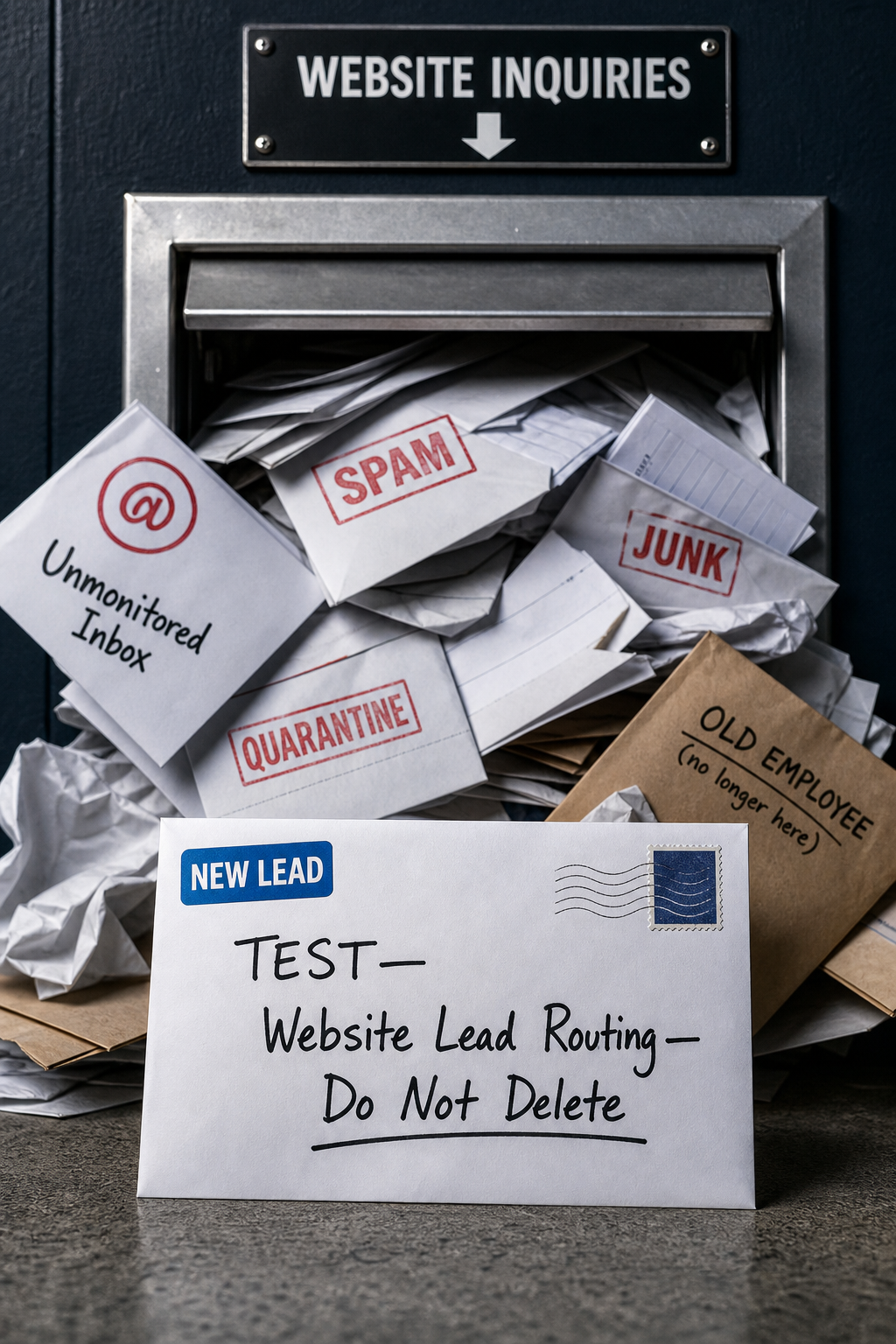
A contact form that appears to work is not necessarily generating a usable lead. A visitor may submit an inquiry, receive a thank-you message, and assume someone will respond—while the notification lands in spam, fails to create a CRM record, goes to a former employee, or reaches an inbox nobody monitors.
For a small business, this is not a minor technical issue. Every missed inquiry can mean wasted marketing spend, a frustrated prospective customer, and a competitor getting the call instead. The good news is that you can test the path from submission to follow-up without rebuilding your website.
What “working” should mean
A lead path is working only when a real inquiry can move reliably from a visitor to the person responsible for responding. That path usually includes more than the form on the page:
- The visitor can find and complete the form easily.
- The website accepts the submission and shows a clear confirmation.
- The inquiry is delivered to the correct shared inbox, CRM, booking platform, or team member.
- The message is not filtered, blocked, or lost among routine email.
- The team receives enough context to respond effectively.
- Someone has a clear responsibility and reasonable response process.
- The business can verify where the lead came from.
If any one of these steps fails, the business may believe the website is producing few leads when the real issue is that leads are disappearing after submission.
Run a complete lead-routing test
Set aside 20 to 30 minutes to act like a prospective customer. Use a device and email address that are not normally used to administer the website, if possible. This gives you a more realistic view of the experience.
1. Choose the important conversion paths
Start with every way a high-intent visitor can contact you. Depending on your business, that may include a general contact form, estimate request form, appointment request, online booking tool, click-to-call button, live chat, or downloadable resource that triggers a follow-up.
Prioritize the paths tied most directly to revenue. A home service company might start with quote requests and phone calls. A professional service firm may prioritize consultation requests. A practice may focus on appointment requests.
2. Submit a realistic test inquiry
Complete each form as a customer would. Do not enter vague test text such as “hello.” Instead, include enough detail to see whether important fields pass through correctly.
- Use a recognizable subject or phrase, such as TEST—Website Lead Routing—Do Not Delete.
- Enter a name, email address, phone number, service requested, and location where those fields are available.
- Add a realistic message that identifies the specific page or service you tested.
- Record the time of submission.
Check the visitor-facing result first. Is there a clear confirmation that the request was received? Does the confirmation explain what happens next? If a visitor is redirected to another page, make sure that page loads and does not create confusion.
3. Follow the lead through every system
Next, check every destination the lead is supposed to reach. Do not stop after finding one email notification.
- Check the primary inbox and any shared sales or service inbox.
- Check spam, junk, quarantine, and email-security folders.
- Check the CRM, pipeline, help desk, or project-management system if the form integrates with one.
- Check whether an automation assigned an owner, created a task, or triggered a confirmation email.
- Check whether the correct team members received access or notification.
Compare the received information with what you entered. Missing phone numbers, truncated messages, blank source fields, or unreadable formatting can make a lead harder to act on even when it technically arrives.
4. Test from mobile and on key service pages
Many business owners test only a desktop contact page. That misses the conditions under which many visitors make decisions. Submit a test from a phone and inspect the form on your highest-value service pages.
Look for friction that could cause abandonment: fields that are difficult to select, error messages that are unclear, buttons hidden below the keyboard, forms that require too much information, or phone links that do not initiate a call.
5. Test the human handoff
Technology can deliver an inquiry perfectly and still fail the customer if ownership is unclear. Ask the person or team who receives new leads:
- Who is expected to respond?
- What happens if that person is unavailable?
- How are urgent inquiries identified?
- Where is the inquiry recorded after the first response?
- How can a manager see whether a lead received a response?
If the answers vary by person, document a simple process. A shared inbox, clear owner, backup contact, and routine review are often more valuable than adding another marketing tool.
Common failures this test reveals
Notifications sent to an individual inbox
Forms are often configured during a website launch and never revisited. The notification may still go to a former employee, an owner who no longer handles inquiries, or an inbox that is rarely checked. Route leads to a monitored shared address and ensure the appropriate people have access.
Form emails are being filtered
Automated website emails can be treated differently from normal messages. If test submissions arrive in spam or quarantine, work with your website and email administrators to review the sending setup. Do not rely on someone remembering to check spam every day.
CRM or automation connections have silently failed
Integrations can break after a password change, plugin update, expired connection, platform change, or altered form field. A notification email may still arrive while the CRM record, assignment, or follow-up task fails. Test the full workflow, not just the first notification.
Forms collect information nobody uses
Long forms can discourage inquiries, especially on mobile. Keep only the fields needed to qualify and respond to the lead. If you need more information, gather it in the conversation or booking process rather than creating unnecessary friction at the first step.
No way to identify the source
If every lead enters the same inbox with no indication of the page, campaign, or referral source, it is difficult to decide what marketing is helping. At minimum, make it possible to distinguish the form or page used. Use tracking thoughtfully and in line with your privacy practices; the goal is operational clarity, not collecting data you do not need.
Create a simple lead-routing checklist
After testing, write down the approved path for each important lead type. Keep it short enough that a new staff member can understand it.
- Entry point: Which form, booking tool, phone number, or chat path did the visitor use?
- Destination: Which inbox or system receives the inquiry?
- Owner: Who responds first?
- Backup: Who covers when the owner is unavailable?
- Response action: What is the expected next action—call, email, estimate, or booking?
- Tracking: Where can the business confirm the inquiry and its source?
- Test date: When was this path last tested end to end?
Review this checklist whenever you change email providers, CRM tools, website forms, staffing, domains, or booking software. Also retest after major website updates.
Fix problems in the right order
Start with failures that prevent a real person from receiving or responding to an inquiry. Then improve visibility and efficiency.
- First: Repair failed forms, broken phone links, incorrect recipient addresses, and unmonitored inboxes.
- Next: Ensure inquiries create usable records and reach the right owner.
- Then: Reduce unnecessary form fields and clarify confirmation messages.
- Finally: Improve source tracking, follow-up automation, and reporting once the core path is dependable.
Automation can make a good process faster, but it cannot compensate for an unclear one. Confirm that a human can see, own, and respond to every high-value inquiry before adding complexity.
When to ask for technical help
Bring in website or systems support if forms intermittently fail, notifications are filtered despite basic troubleshooting, CRM records are missing, multiple tools need to share lead data, or nobody can explain how an inquiry gets from the website to the team. A focused review of forms, email delivery, integrations, and routing can uncover issues that are invisible from the front end of the website.
Your website should not merely collect interest. It should reliably move prospective customers into a process your team can manage. Test it like a customer, document what happens behind the scenes, and fix the gaps before investing more in traffic.