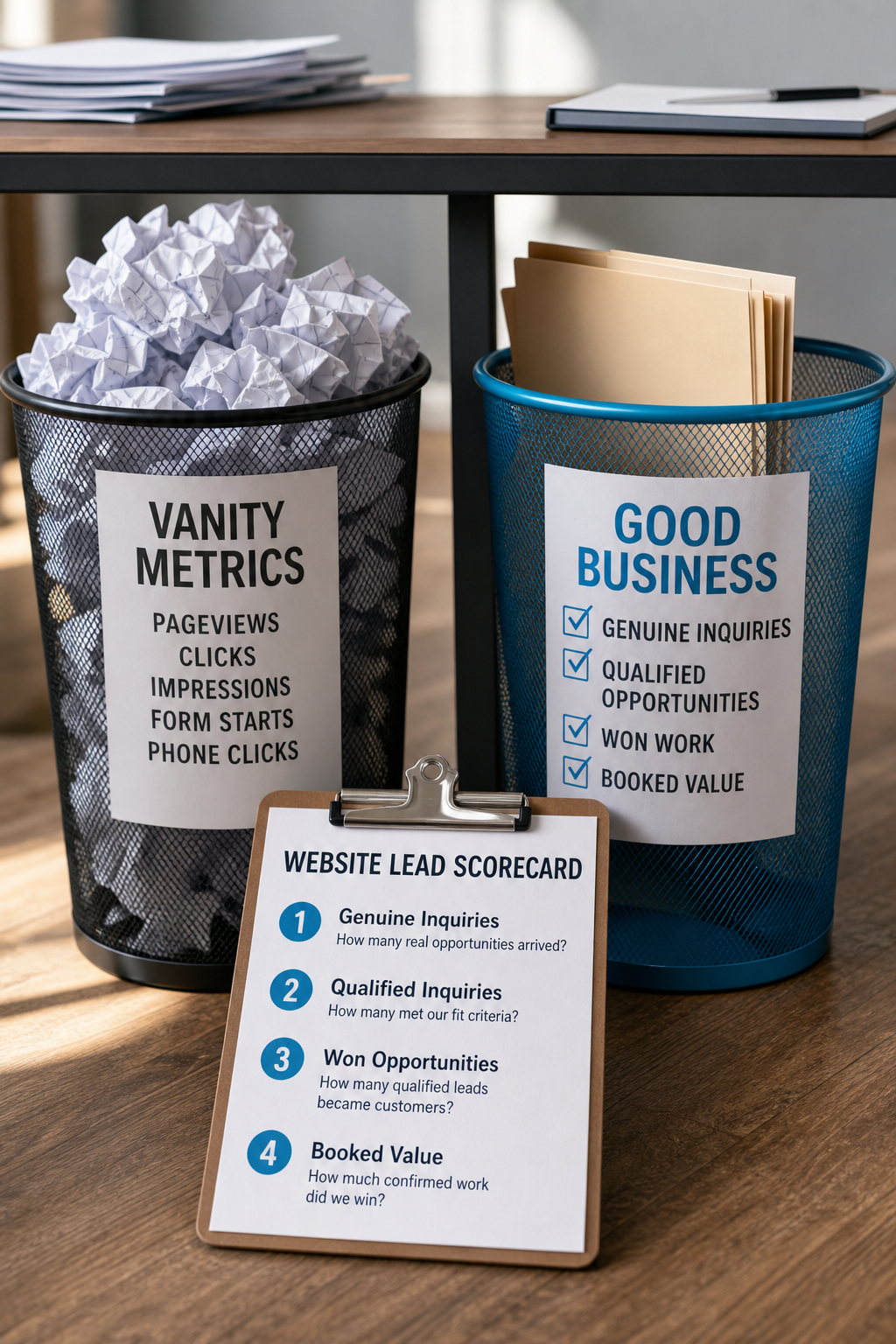
Your website report says traffic is up. Your inbox has been busy. But did any of that turn into work you actually wanted?
That is the question worth answering before you increase your ad budget, commission more content, or approve a redesign. Pageviews cannot answer it. Neither can a dashboard that calls every phone-button tap a conversion.
A simple website lead scorecard connects inquiries to qualified opportunities and won business. You can start with a spreadsheet, use tools you already have, and make better spending decisions without becoming the office analytics expert. Nobody needs another full-time job.
Separate website activity from business outcomes
These three things belong in different columns:
- Activity: Someone visited a service page, tapped a phone number, or started a form.
- Inquiry: A real person contacted your business about possible work.
- Outcome: That inquiry qualified, received an estimate, booked, bought, or went nowhere.
A phone-button tap does not prove that a call connected. A booking-page visit does not prove that an appointment was scheduled. Even a successful form submission could be spam or a vendor pitch.
Keep those signals, but label them honestly. Otherwise, your marketing report can look healthier than your sales pipeline.
This is also different from checking whether your forms deliver messages. Reliable delivery is the starting point. The scorecard asks what happened after a legitimate inquiry reached your team.
Define a good lead before you count one
Write one sentence describing an inquiry your business can reasonably serve.
For a cleaning company, that might be: A person requesting an offered cleaning service, at a property inside our service area, with timing we can accommodate.
For a consulting firm, it might mean the right business type, a relevant project, and a realistic budget. If budget is not known yet, mark the lead as awaiting qualification rather than guessing.
Use a short, consistent set of statuses:
- New: Received but not assessed.
- Qualified: Meets your agreed fit criteria.
- Not a fit: A genuine inquiry you cannot reasonably serve.
- Won: Reached your defined sales milestone, such as a signed agreement or paid booking.
- Lost: A qualified opportunity that did not become a sale.
Keep spam, duplicate messages, and supplier pitches outside the genuine-inquiry count. Count one opportunity once, even if the customer submits a form and then calls. A repeat customer requesting a separate job is a new opportunity.
Build the smallest useful spreadsheet
Use one row per opportunity. Start with these fields:
- Lead ID and inquiry date: A reference you can match to your normal customer records.
- Contact method: Website form, phone, booking tool, or another channel.
- Discovery source: Referral, Google search, Google Business Profile, paid campaign, social media, or unknown.
- Source evidence: Customer-reported, captured campaign information, or another documented source.
- Requested service: What the person actually wanted.
- Landing page, if available: The page where that recorded visit began.
- Qualification and sales status: Whether the opportunity fits and how it progressed.
- Reason lost or not a fit: Wrong area, unavailable service, timing, price, no response, or another specific reason.
- Won date and booked value: Completed when the sale meets your agreed definition.
- Follow-up owner: The person responsible for updating the row.
If you already use a CRM, add these fields there instead of creating a second system everyone forgets to update. Keep personal details in your controlled customer system where possible. The scorecard usually needs a reference number, not the customer's full message.
Keep discovery source separate from contact method
A customer can hear about you from a neighbor, search your business name, read your website, and submit a form. The contact method is the website form. The reported discovery source is the referral. Your website still helped that person choose you.
Ask a simple question during intake: How did you first hear about us? Record the answer alongside any available tracking evidence. Do not force conflicting answers into one supposedly perfect attribution field.
For links you control, campaign parameters, often called UTM tags, can help distinguish visits from an email, ad, or profile link. Use a consistent naming convention and ask your website provider whether those values can be captured with an inquiry. Do not add campaign tags to internal website links because they can confuse attribution.
Expect gaps. Consent choices, browser protections, cross-device visits, and external booking tools can interrupt tracking. An honest “unknown” is more useful than made-up certainty.
Do not put names, email addresses, phone numbers, or inquiry text into URLs or analytics event fields. Configure tracking and consent handling for your tools and applicable privacy requirements. More data is not automatically better data.
Review four numbers that answer useful questions
1. Genuine inquiries
How many real sales opportunities arrived? This separates customer demand from spam and repeated contact attempts.
2. Qualified inquiries
How many met your fit criteria? Calculate qualification rate as qualified inquiries divided by genuine inquiries. Flag unassessed inquiries so they do not quietly look like bad leads.
3. Won opportunities
How many qualified inquiries became customers? Calculate close rate as won opportunities divided by qualified inquiries, using a clearly defined inquiry group. Mark pending opportunities separately.
Compare leads received in the same period and give them time to mature. Dividing this month's wins by this month's new leads can mislead you when those wins started as inquiries months ago.
4. Booked value
How much confirmed work came from those won opportunities? Keep booked value separate from collected revenue, and remember that neither equals profit. If your services have very different margins, add estimated gross profit when you can do so reliably.
For a clearly tracked paid campaign, you can also divide campaign spend by qualified inquiries to calculate cost per qualified lead. State which costs you included. That figure helps assess acquisition efficiency, but it is not a complete website ROI calculation.
Use the pattern to choose your next fix
Consider a fictional service business with 20 genuine inquiries. Eight qualify, five are outside its service area, four request a service it no longer offers, and three are still being assessed.
The first action is not automatically “buy more traffic.” Check the locations targeted by campaigns, the service-area wording, and any old pages or directory listings advertising the unavailable service. Then watch whether the inquiry mix improves.
Other patterns suggest different investigations:
- Relevant visits but few inquiries: Review the offer, page clarity, trust, and contact experience. Check measurement accuracy before blaming the page.
- Plenty of inquiries but few qualified opportunities: Review targeting, service descriptions, pricing expectations, and geographic fit.
- Qualified opportunities but few wins: Investigate response times, estimating, availability, and sales objections. A visual redesign may not solve those problems.
- Good-fit leads that become profitable work: Identify the services and sources involved before expanding investment.
These are clues, not verdicts. A handful of leads is too little evidence to declare one channel brilliant and another useless. Look at the actual counts and conversations, not just percentages.
Run a 30-day pilot, then let outcomes catch up
Choose one person to own the scorecard. Agree on qualification criteria, record new inquiries, and schedule a short weekly review to resolve duplicates, missing sources, and stale statuses.
After 30 days, identify the clearest recurring issue and choose one focused improvement. If your sales cycle is longer, keep updating that first group of inquiries until the outcomes are meaningful. Low-volume businesses may need several months before patterns become dependable.
Record when you make changes and note anything else that could affect results, such as seasonality, promotions, or staffing. A better month after a website edit does not, by itself, prove the edit caused it.
Your first task: define a qualified inquiry and set up the sheet. Even an imperfect record can reveal questions a traffic dashboard never asks.
If you would like help connecting those questions to your website, contact SolcoMedia. Bring the patterns you are seeing, without customer personal information, and the business outcome you want to improve.